Document Scanners and Intelligent Capture Hardware for the Volume Your MFP Wasn’t Built For
Your team is scanning patient records, vendor invoices, case files, or back-file documents on the office MFP. The MFP scans 30 pages a minute single-sided. The documents are double-sided. The MFP creates one PDF per scan and dumps it in a folder. Somebody has to open each PDF, figure out what it is, name it correctly, tag it with metadata, and route it to the right system. The front desk wants the MFP back. The compliance deadline doesn’t move. The math doesn’t work.
Kelley Create’s Scanners and Intelligent Capture Hardware covers dedicated document scanners and the equipment that feeds automation workflows reliably. Four scanner manufacturer brand partnerships across production capture, mid-volume capture, and desktop capture. Duplex scanning at 60-90 pages per minute on production equipment. OCR readiness, automatic color correction, intelligent document protection, and integration with the document management and automation systems your scans need to feed. One partner. One service relationship. One workflow that actually scales.

we "checked" it for you


what worked then may not work now
Scanning Paper Doesn’t Solve Anything. The Workflow After Scanning Does.
Scanning paper to a folder doesn’t solve the problem. The scan exists. Nobody can find it. There’s no metadata, no searchable text, no integration with the system that needs the content. The scanner in the records department runs hot through every project and then sits cold. The healthcare team needs HIPAA-grade chain of custody and the current device doesn’t generate the audit trail anyone wants to rely on.
The right partner doesn’t sell you a faster scanner. They design the capture-to-system workflow with OCR, indexing, and the downstream integration that makes scanning useful. That’s us.
What Are Dedicated Scanners and Intelligent Capture Hardware?
Dedicated scanners are document capture equipment built specifically for high-volume scanning workflows. Unlike multi-function printers (MFPs) that include scanning as one function among many, dedicated scanners focus on capture speed, paper handling, image quality, OCR accuracy, and integration with downstream systems. Production-grade scanners run 60-90 pages per minute duplex. They handle mixed paper conditions (stapled, paper-clipped, faded, crinkled, varied sizes) that jam MFPs. They feed automation pipelines that turn paper into structured data.
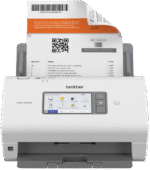






























Free Assessment of Your Document Capture Needs, Volumes, and Downstream System Integration.

talk to our creators
How Kelley Create Delivers Scanners and Intelligent Capture Hardware
Four phases. Understand the capture work, design what fits, deploy with training, then service and optimize over time.
Document volumes by type and location. Paper conditions and feed challenges. Downstream systems the scans need to integrate with. Deadline patterns. Honest assessment of whether dedicated scanners are the right answer (sometimes they aren’t).
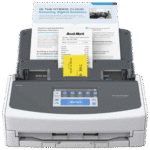
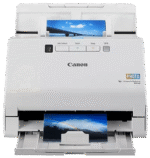
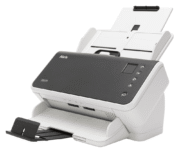
Right-sized scanner equipment. Production-grade (Kodak Alaris, Fujitsu fi Series production) for healthcare records and e-discovery volume. Mid-volume (Fujitsu fi-7600 series, Canon imageFORMULA) for AP automation and HR document workflows. Desktop (Brother, smaller Fujitsu) for small business and mobile professional needs.
Equipment delivered, configured, and integrated with downstream systems. Exemplary on-site training on capture workflows, document preparation, exception handling, and the integration handoffs.
Local technicians for repairs. Supply management. Periodic business reviews on volume, accuracy, integration health. The optimization that compounds over time.
Beyond the Scanner: Software, Workflow, and Automation Integration
The scanner is the entry point. The downstream workflow is where the value lives.
We integrate dedicated scanners with the systems your captured documents need to feed.

more details here
-
Optical character recognition that turns scanned images into searchable, structured text. Zone OCR for forms with known field locations. Full-page OCR for variable documents.
Local Expertise, National Reach
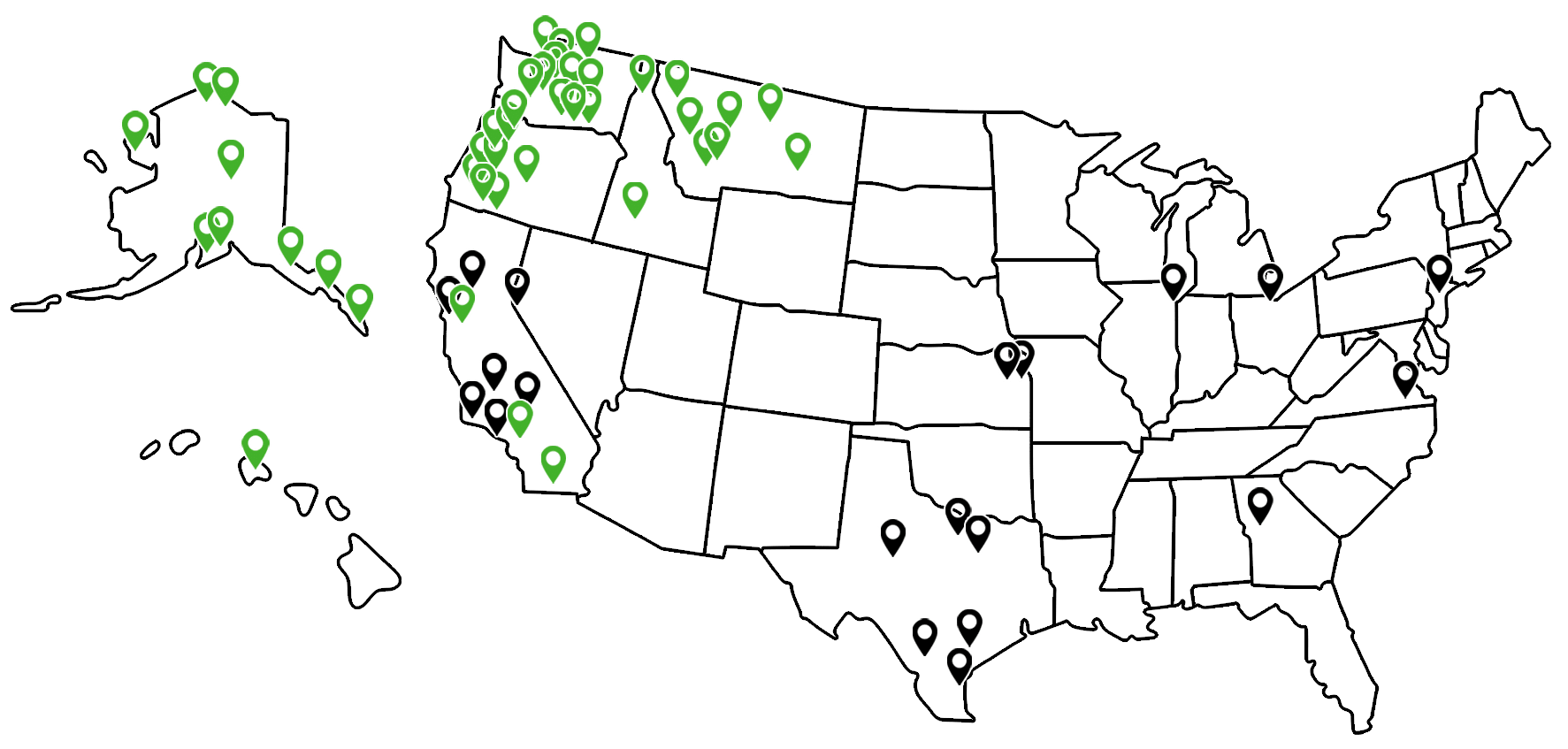
Local. Regional teams for scanner installs, integration work, and on-site training. Local service technicians for repairs and supply management.
National. Multi-location capture operations get consistent scanner standards and integration across every site. Healthcare clinic groups, legal firms with multiple offices, multi-state organizations.
Why Partners Choose Kelley Create for Scanners
Document scanning specialists with high-volume deployment experience.
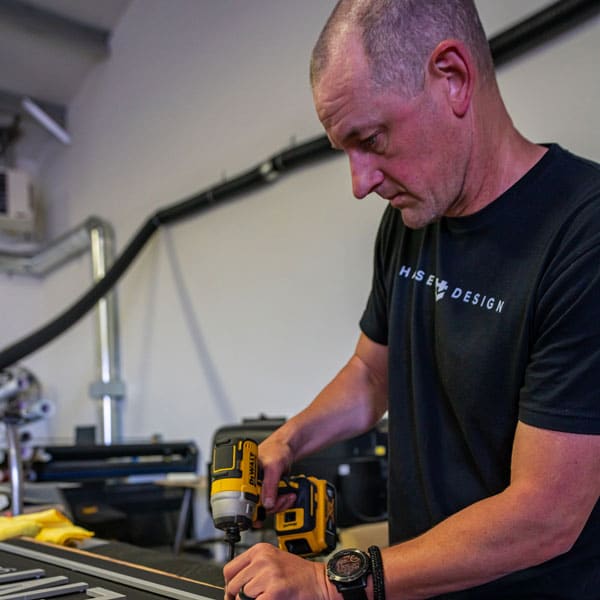
The implementation lead has set up scanning workflows for healthcare partners processing hundreds of thousands of pages per year. Configuration patterns are proven. The integration with downstream document management isn’t an afterthought.
Equipment matched to actual capture work.
Production-grade for healthcare records modernization. Mid-volume for AP and HR workflows. Desktop for occasional capture. No overbuying, no undersized bottlenecks.
Integration expertise, not just equipment sales.
DocuWare, SharePoint, ECM systems, EHR integration, AP automation pipelines. The scanner buy that actually pays off.
Honest assessment about whether scanners are the answer.
Sometimes the right answer is keeping MFP scanning and improving downstream processing. Sometimes it’s dedicated scanners. Sometimes it’s outsourcing the back-file conversion entirely. We model all three.
Local service that shows up.
Fast response from technicians who know the equipment. Supply management. The service relationship that matters when the scanner is bottlenecking the EHR deadline.
Exemplary on-site training.
Capture workflows. Document preparation. Exception handling. The training that turns equipment capability into actual throughput.
The bridge between paper and the automation work.
Dedicated scanners are often the entry point for broader document workflow automation under our AI & Intelligent Solutions service.
Who Dedicated Scanners Are For
Healthcare operations facing EHR rollouts with back-file conversion deadlines.
Legal firms with e-discovery volume and ongoing case file digitization.
AP departments scanning hundreds of invoices a week, feeding AP automation workflows.
HR operations digitizing employee files, onboarding documents, and benefits paperwork.
Multi-location organizations with consistent capture needs across every site.
Companies where the front-desk MFP is doing scanning work it wasn’t built for, and the front desk wants the MFP back.
Case Studies: Printing & Sending Solutions
Real businesses. Real Outcomes. Click to view all Case Studies.






Multiple Brand Partnerships. Local Service. Exemplary Training. Integration That Turns Capture Into Workflow.
click here to get started
Ready to Talk About Your Document Capture Needs?
Whether you’re facing an EHR back-file conversion deadline, scaling AP automation, or just tired of the front-desk MFP doing the heavy capture lifting, we start with an assessment. Real volumes. Real paper conditions. Real downstream system integration. Real recommendations.
Free assessment, no obligation. The math should actually work.

Frequently Asked Questions
-
When do dedicated scanners make sense versus MFP scanning?
Roughly: above 500 pages per day per location, when documents are mostly double-sided, when paper conditions are mixed (stapled, faded, crinkled), when downstream systems need structured integration (EHR, ECM, AP automation), or when deadline-driven capture work would tie up the MFP. Below those thresholds, MFP scanning is often fine.
-
What scanner speeds are realistic?
-
How do scanners integrate with our EHR/ECM/AP system?
-
What about scanning mixed paper conditions?
-
What software comes with the scanners?
-
Can scanners handle our existing document formats?
-
What about OCR accuracy?
-
Do you handle the integration work or just sell scanners?
-
What about service when something breaks?
-
How does pricing work?
-
Can you handle back-file conversion projects?
-
What about HIPAA and other compliance?