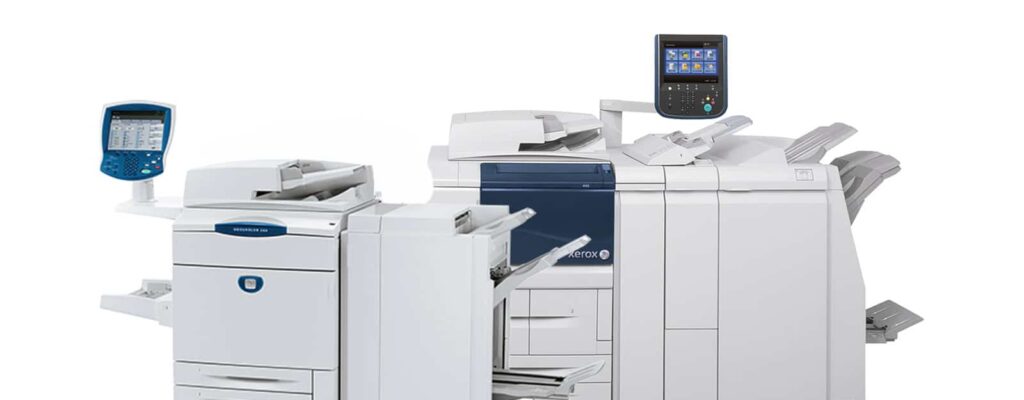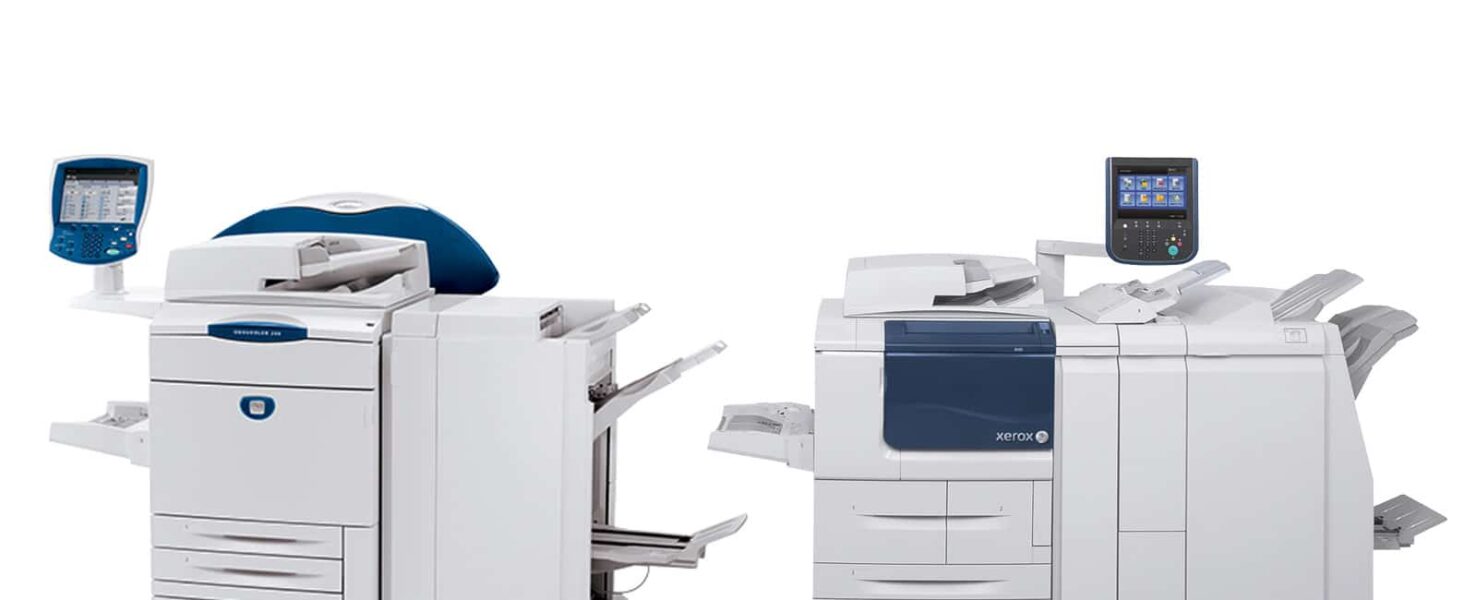
Selecting the Right Print Server for Your Xerox D-Series Printer
Contents
Key Takeaways
- Print servers are critical to D-Series performance and workflow efficiency.
- Integrated servers are perfect for small-to-medium offices seeking simplicity.
- FreeFlow servers excel in high-volume, complex workflow environments.
- Security and compliance features must match your office’s needs.
- Choosing the wrong server is like giving a race car tricycle wheels — fun to look at, frustrating to use.
At Kelley Create, we’ve seen offices fall in love with their Xerox D-Series printers — fast, reliable, and capable of handling a mountain of print jobs without breaking a sweat. But even the most powerful printer is only as smart as the server it’s paired with. Choosing the wrong print server is like giving a race car tricycle wheels: you’ll get motion, but it won’t be pretty.
In this guide, we’ll break down the key print server options for your D-Series, explain why each matters, and give you the insights you need to make the right call — without the IT headaches.
Why Print Servers Matter
A print server is the unsung hero behind your printer. It manages print queues, routes jobs efficiently, ensures security, and lets multiple users access the printer without chaos. For the Xerox D-Series, a capable server can mean the difference between lightning-fast printing and a slow, frustrating workflow.
Before we dive into the nitty-gritty, let’s remember: even a Xerox D-Series is only as fast as the brain behind it. That brain? Your print server. Here’s why choosing the right one is more than just IT window dressing.
A strong print server:
- Handles multiple jobs simultaneously without bottlenecks
- Provides secure printing options for sensitive documents
- Supports complex workflows for high-volume offices
For official specifications on Xerox D-Series print servers, see the Xerox FreeFlow Print Server page.
Integrated Copy/Print Server
Now that we know why a server is essential, let’s talk about the first contender: the Integrated Copy/Print Server. It’s simple, secure, and handles the everyday grind — kind of like your office’s multitasking superhero.
For offices that want simplicity without sacrificing capability, the Integrated Copy/Print Server is a great choice. Think of it as your D-Series working double duty: printing, scanning, and copying without missing a beat.
Key features include:
- Touchscreen interface for easy job management
- Scan-to-email or scan-to-folder functions
- Secure printing with user authentication and SSL encryption
This server is perfect for smaller offices or centralized workspaces where simplicity, security, and speed matter. Following best practices for encryption and security aligns with standards from the NIST Cybersecurity Framework, helping your office stay compliant and safe.
If your team constantly walks up to the printer with sticky notes and frantic “urgent” requests, this server can help reduce chaos while keeping things secure.
Xerox FreeFlow Print Server
If the Integrated server is a superhero, FreeFlow is more like the Justice League. For offices with multiple users, complex workflows, or high-volume demands, FreeFlow brings power, flexibility, and enough features to make IT managers smile.
For larger teams, high-volume printing, or offices with complex workflows, the FreeFlow Print Server is the heavyweight champion. It’s built for offices that need flexibility, speed, and advanced job handling.
Benefits include:
- Programmed queues for multiple simultaneous jobs
- Flexible stock handling and job prioritization
- Advanced workflow automation for print, scan, and finishing tasks
Offices leveraging intelligent workflow automation often see measurable improvements in speed and compliance, as highlighted by Forrester Research.
FreeFlow is like giving your D-Series a brain — it thinks, multitasks, and never complains about working late.
Security & Compliance
Superpowers are great, but even heroes need rules. Security and compliance aren’t optional — they’re how your print server keeps sensitive information safe and your office out of hot water.
Both servers offer robust security, but large offices handling sensitive documents should pay attention to:
- User authentication and role-based access
- Encrypted print jobs and data storage
- Audit trails for compliance purposes
Following best practices not only protects your data but also ensures regulatory compliance. The FTC’s guidelines on secure information disposal and ISO 27001 standards are good benchmarks to measure against.
How to Choose Between Servers
With security squared away, the next question is simple: which server fits your team best? Let’s break it down so your choice is smart, not stressful.
Key decision factors:
| Factor | Integrated Copy/Print Server | FreeFlow Print Server |
|---|---|---|
| Office size | Small to medium | Medium to large |
| Volume | Moderate | High |
| Workflow complexity | Standard | Advanced / multi-step |
| Security | Standard | Advanced / granular |
| IT Support | Minimal | Moderate to high |
Kelley advice: Pick the server that matches your workflow, not just your printer. Otherwise, you might end up with horsepower you can’t harness — or features you never use.
Conclusion
Whether you go Integrated or FreeFlow, the right server transforms your D-Series from a workhorse into a workflow wizard. Here’s the bottom line: match the server to your office, and the printer does the rest.
Both servers bring power and reliability to your Xerox D-Series, but the right choice depends on your office’s size, workflow complexity, and security needs. Integrated servers are ideal for streamlined, smaller environments. FreeFlow shines in large, high-volume operations that need advanced workflow and automation.
At Kelley Create, we help offices pair their D-Series printers with the print server that turns potential frustration into smooth, lightning-fast document workflows. Need a hand? Contact our team and we’ll make sure your printer is working as smart as it looks.
FAQs
-
It’s a system that manages printer queues, handles multiple users, and ensures secure, efficient printing.
-
Probably not. Integrated Copy/Print servers are easier to manage and perfectly adequate for small-to-medium teams.
-
Absolutely. By managing queues and automating tasks, print servers prevent bottlenecks and improve productivity.
-
Check the FTC’s secure information disposal guidelines and ISO 27001 for detailed standards.